fxNP Light Sweep 2.9After Effects · Premiere Pro
Chrome, gold or glass.One sweep of light.
Turns type and logos into bevelled metal, glass or plastic in a photo studio, then passes a strip light over them. Rendered on the GPU.
What it does
OUT 00:00:00:00Any text or logo layer becomes an object you could photograph.
NP Light Sweep reads the layer’s alpha as a bevelled surface. Pick the material: chrome, gold, silver, copper, rose gold, steel, anodized, glass, plastic, pearl or the layer’s own colour.
A strip light passes over it along an angle and you see it in the reflection, like a product shot. Auto Animate runs the sweep, pauses and repeats, so a looping logo needs no keyframes.
Glints catch on the corners, edges sparkle and a soft spill glows outward. Extrude gives the shape real depth.
How it works
OUT 00:00:00:00Shape
The alpha becomes a height field with sub-pixel accuracy, mitred corners and the bevel you pick.
Material
A physically based surface, lit by a built-in studio: Softbox Studio, Photo Studio, Dark Studio or Horizon.
Light
The strip light (Bar, Spot or Double Bar) moves along Angle; band motion blur keeps fast sweeps clean.
GPU
The whole frame renders on the Metal GPU, with a matching CPU fallback. 8, 16 and 32 bpc.
Key controls
OUT 00:00:00:00The real parameter names, as they appear in Effect Controls.
- Auto Animate
- Sweep Duration (s), Pause (s) and Start Delay (s): a loop with no keyframes.
- Light Type · Angle
- Bar, Spot or Double Bar, and the direction it travels.
- Width · Softness · Intensity
- The shape and strength of the strip light.
- Bevel · Bevel Size
- Flat, Round, Chisel, Cove, Ring, Pillow, Soft Chisel or Stepped.
- Bevel Placement
- Inner, Outer or Centered.
- Material
- Layer Color, Chrome, Gold, Silver, Copper, Rose Gold, Steel, Anodized, Glass, Plastic, Pearl.
- Texture
- Brushed Metal, Hammered, Sandblasted, Carbon Fiber, Brushed Fine or Spun Metal.
- Environment
- The studio reflected in the surface, with Environment Rotation.
- Extrude Depth · Extrude Direction
- Gives the shape a side wall.
- Glints · Glint Style
- Star, Cross or Streak on the corners.
- Edge Sparkle · Reflection Bands
- Sparkle along the edges and liquid-chrome bands.
- Spill · Spill Radius
- Glow spilling outward from the light.
- Light Only
- Just the light, to composite over your own layer.
One-click looks
OUT 00:00:00:00Every look is in the effect’s own Look menu. Hover a tile to play it.
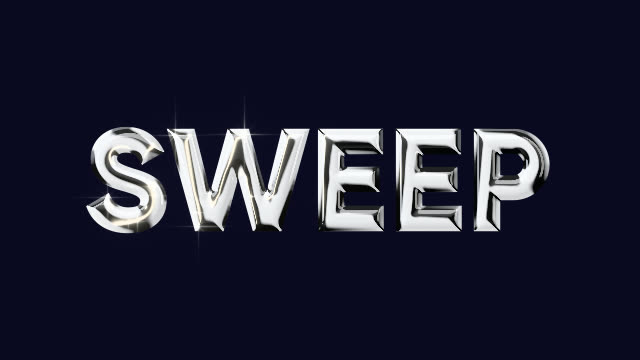 Chrome Title
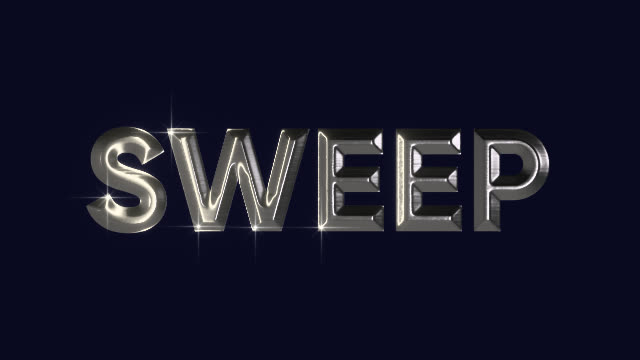 Brushed Steel
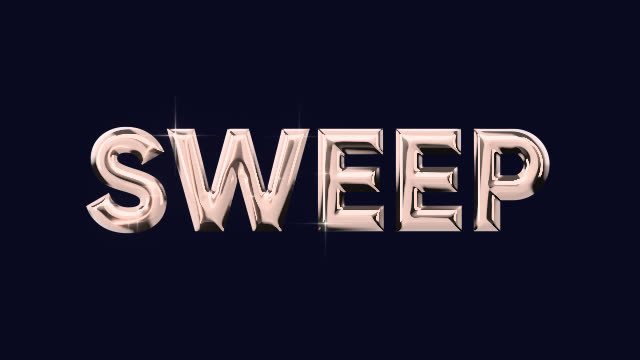 Rose Gold
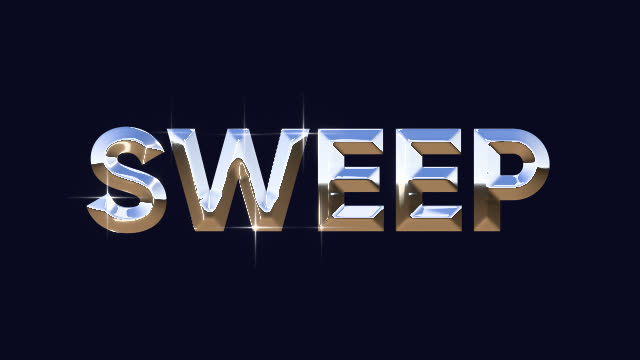 Retro Chrome
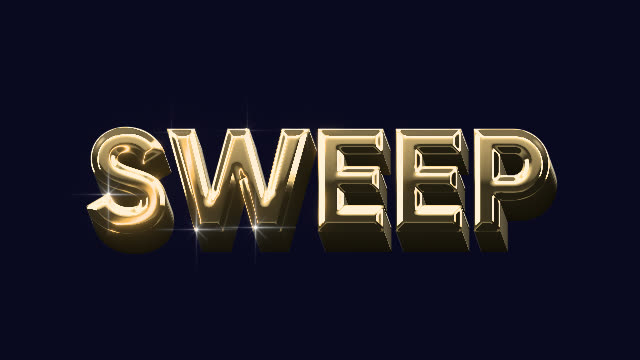 Extruded Gold
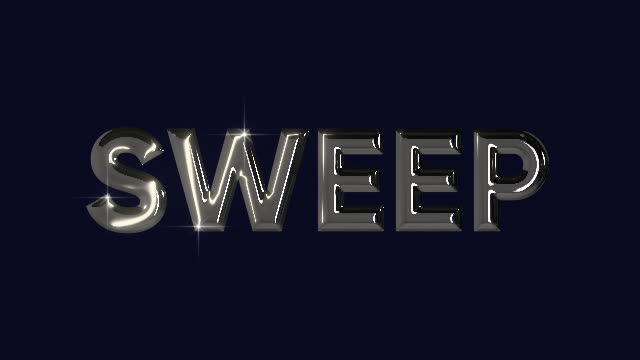 Chrome
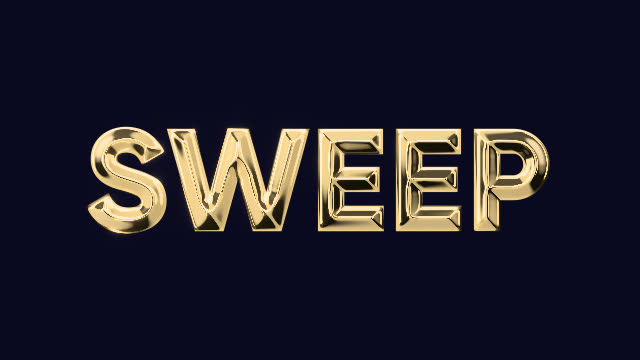 Gold
Gold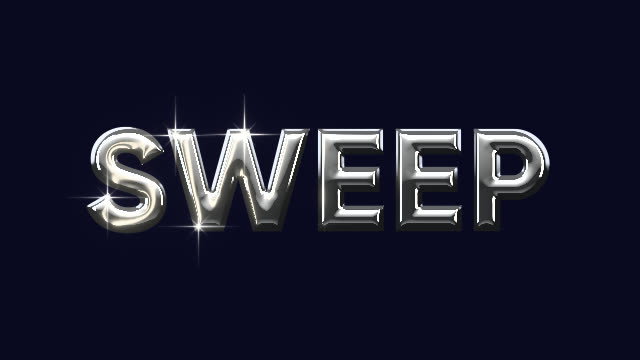 Double Glint
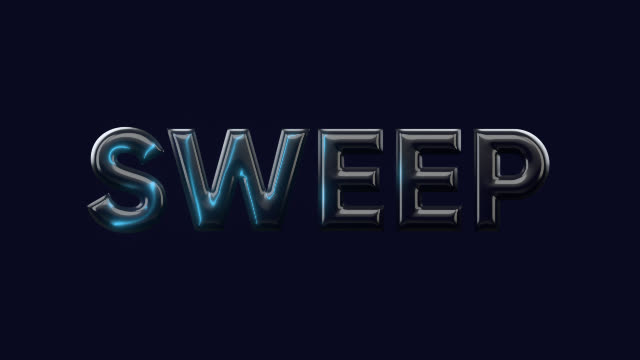 Neon Edge
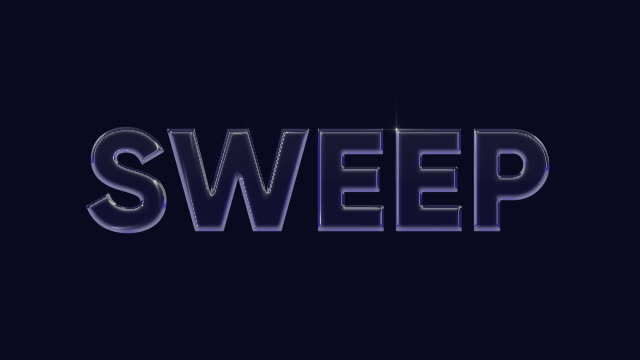 Glass Edge
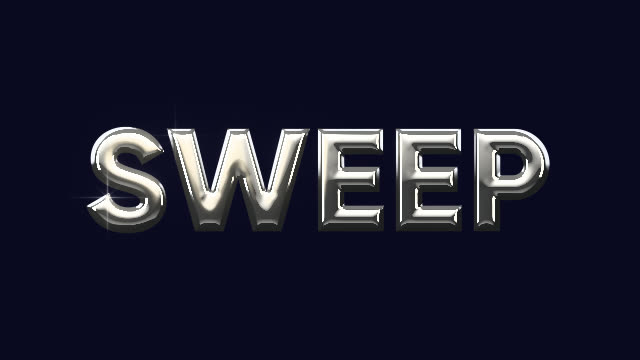 Spotlight
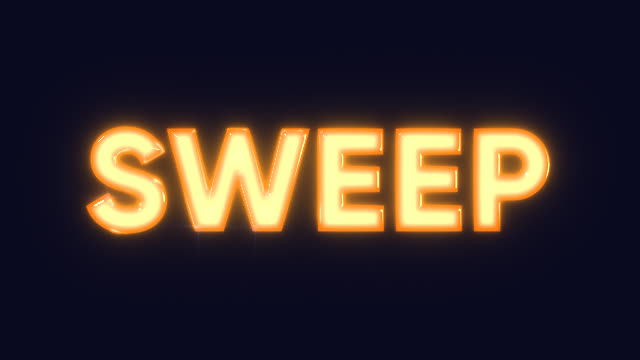 Molten Lava
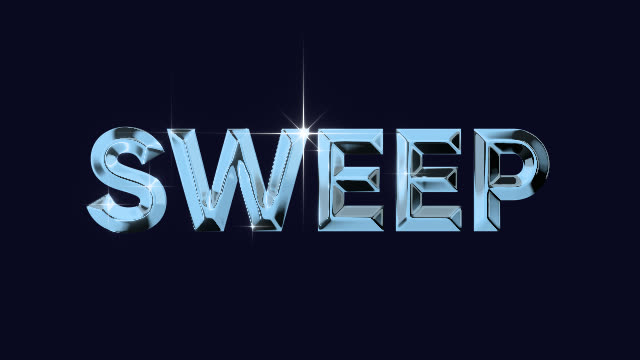 Ice Chrome
Animated loops in the Library
Ready-made sweeps that loop. Apply, type your text, done.
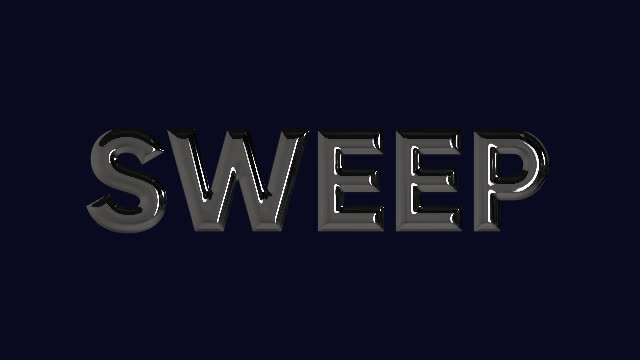 Shine Loop
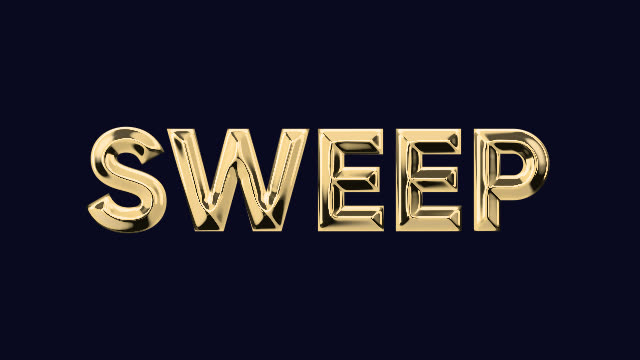 Gold Loop
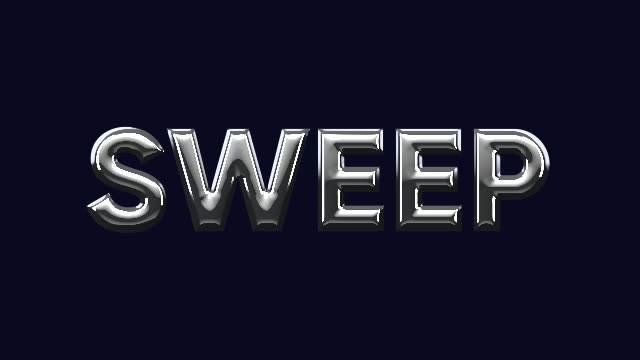 Glint Loop
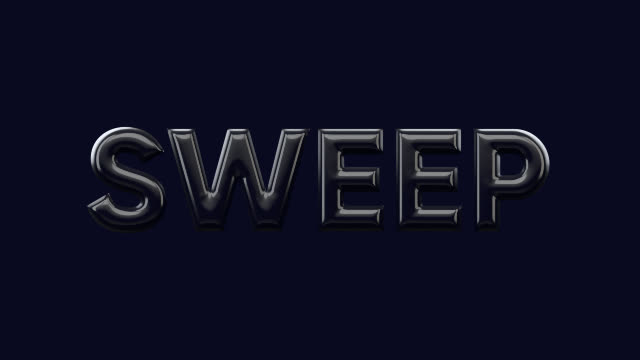 Neon Pass Loop
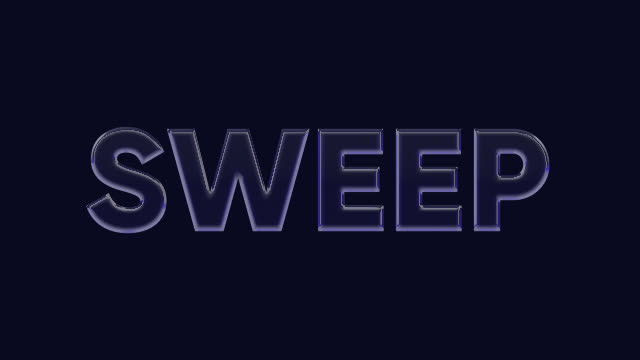 Glass Glint Loop
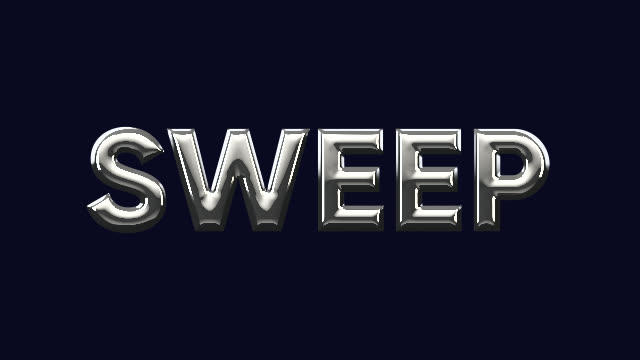 Spotlight Pass
Where it fits
OUT 00:00:00:00Logo stings and end cards
A shine across the logo that loops cleanly.
Event titles
Award names, sponsor logos and stage titles in gold or chrome.
Trailers and openers
Metal type with real reflections, without a 3D app.
Social
Product names and offers with a sweep that catches the eye.
More effects
Each one lives in the same panel, with its looks built in.
- NP KinectFootage as a Kinect point cloud.
- NP Depth2.5D moves, lens blur and depth looks.
- NP RetimeAI slow motion and speed ramps.
- NP Light SweepType and logos in chrome, gold or glass.
- NP TraceTracking HUD with boxes, labels and lines.
- NP DenoiseReal-time noise reduction, AI for the final.
- NP RelightNew light on finished footage.
Beta · invite-only
Be one of the first.
NP effects come with the NoProblem! panel. We’re growing the beta with a small group of editors.
RequirementsAfter Effects and Premiere Pro · macOS.