fxNP Retime 1.5After Effects
Slow motionnobody shot.
AI in-between frames for slow motion, speed ramps and frame-rate conversion. RIFE runs on your Mac, down to 1 % speed.
What it does
OUT 00:00:00:00Set the speed and NP Retime makes the frames that were never shot.
A 25 fps clip can play at 10 % and still move smoothly, without the stutter of repeated frames or the ghosting of frame blending.
Speed is keyframable, so a ramp is two keyframes. Or key Source Frame for exact time remapping; a fixed value is a freeze frame. Motion Blur samples a real shutter across the source frames, so fast ramps get honest blur.
It watches for the usual traps: scene cuts are found and never morphed into each other, repeated frames from pulldown are skipped, and the clip’s first and last frames hold instead of fading out.
How it works
OUT 00:00:00:00Pick the moment
Speed (counted from the layer’s in point) or Source Frame says which moment to show.
AI in-betweens
RIFE 4.25 runs once per pair of real frames, on your Mac.
Smooth paths
Motion Paths › Smooth Curves moves every point along one path through the neighbouring frames: no wobble, no pop at the real frames, about 10–40 ms per in-between.
Guard
Artifact Guard softens what the model is unsure about. Quality High and Best average extra passes.
Key controls
OUT 00:00:00:00The real parameter names, as they appear in Effect Controls.
- Timing
- Speed or Source Frame.
- Speed
- Keyframable; ramps integrate it from the layer’s in point.
- Source Frame Rate
- 0 uses the footage’s own rate, so 60p in a 30 fps comp uses every real frame.
- Engine
- RIFE (AI), Optical Flow (Vision), Frame Blend or Nearest Frame.
- Quality
- Draft, Normal, High (about 1.8× the time) or Best (about 3.5×).
- Motion Blur · Blur Samples
- 100 % is a 360° shutter; spreads over several frames on fast ramps.
- Motion Paths
- Smooth Curves, Straight or Per Frame (1.4).
- Artifact Guard
- Softens areas the AI is unsure about.
- Scene Cuts
- Continue Motion, Hold Last Frame or Interpolate (Off).
- Duplicate Frames
- Skip (Auto Cadence), Skip (Original Timing) or Keep.
- Speed Anchor
- Count from the Layer In Point or the Layer Start.
- AI Resolution
- Half, Full or Auto.
Very fast, unpredictable motion (a swinging net, a spinning roulette wheel) can show errors in the in-betweens.
One-click looks
OUT 00:00:00:00The effect’s Look Preset menu. Hover a tile to play it.
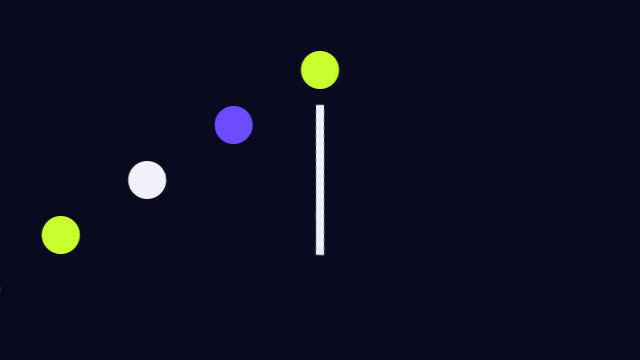 Slow Motion 50%
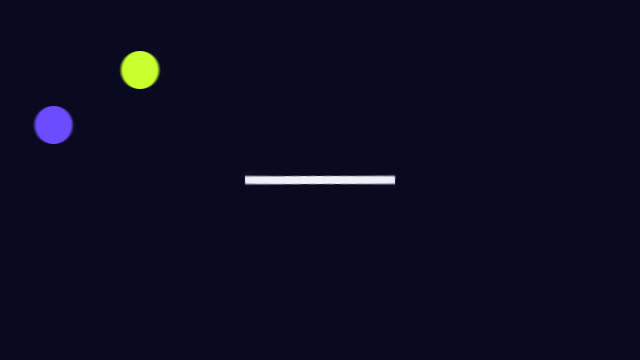 Super Slow 25%
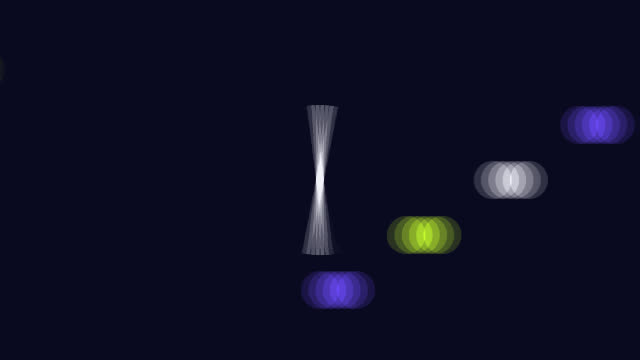 Fast Forward 300%
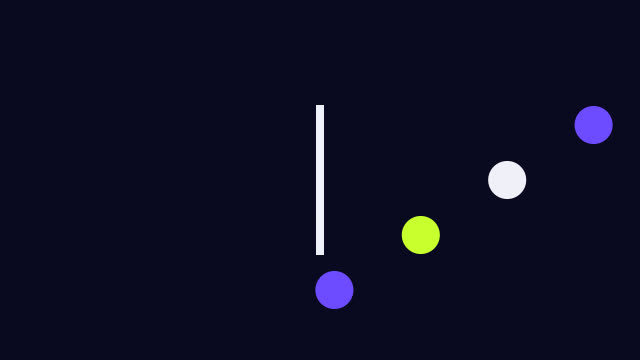 Frame Rate Conversion
 Ultra Slow 1%
 Slow 10%
Speed ramps in the Library
Keyframed Speed curves, applied with a double-click.
 Speed Ramp
 Ramp to Slow
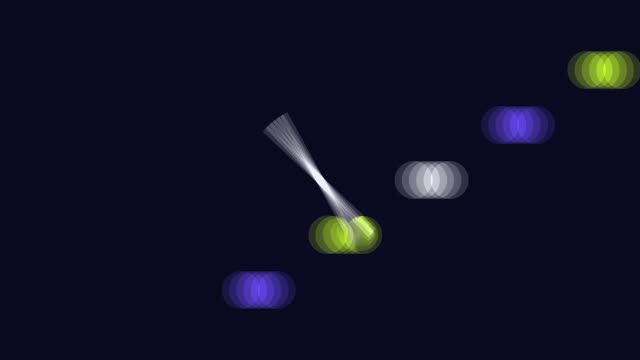 Ramp to Fast
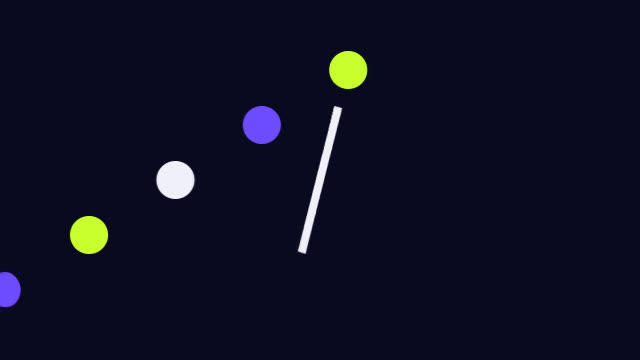 Freeze Hit
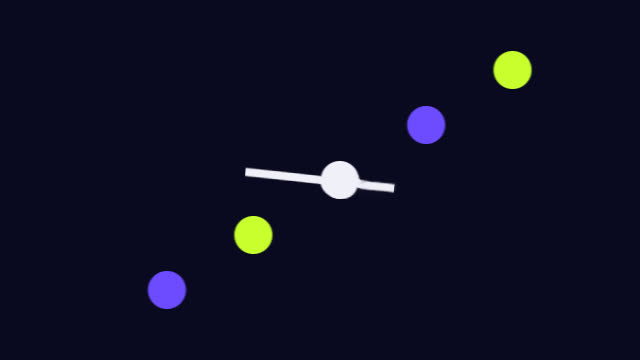 Impact Punch
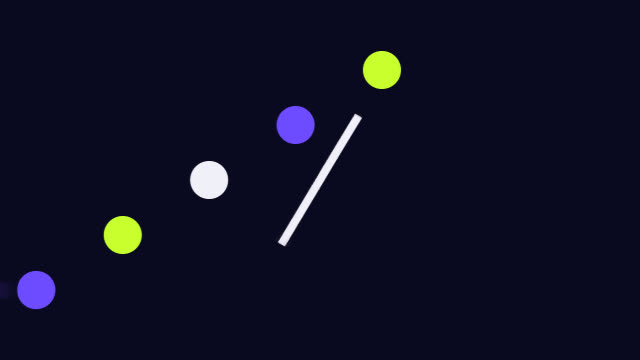 Bullet Time
 Dramatic Slow-down
Where it fits
OUT 00:00:00:00Sport and action
Slow the hit, ramp out of it, without a high-speed camera.
Music videos
Ramps that land on the beat, freeze hits and bullet time.
Event aftermovies
Smooth slow motion from whatever the crew shot.
Frame-rate conversion
24p plays smoothly in a 60 fps comp at Speed 100 %.
More effects
Each one lives in the same panel, with its looks built in.
- NP KinectFootage as a Kinect point cloud.
- NP Depth2.5D moves, lens blur and depth looks.
- NP RetimeAI slow motion and speed ramps.
- NP Light SweepType and logos in chrome, gold or glass.
- NP TraceTracking HUD with boxes, labels and lines.
- NP DenoiseReal-time noise reduction, AI for the final.
- NP RelightNew light on finished footage.
Beta · invite-only
Be one of the first.
NP effects come with the NoProblem! panel. We’re growing the beta with a small group of editors.
RequirementsAfter Effects · macOS. The AI runs on your Mac.